
Expense Tracker
Last updated: 25 July 2026 at 14:10
Technologies
- TanStack Start
- TanStack Router
- TanStack Query
- React
- TypeScript
- Tailwind CSS
- PostgreSQL
- Drizzle ORM
- Better Auth
- Recharts
- OpenAI API
- Vitest
Features
- Mobile-first design
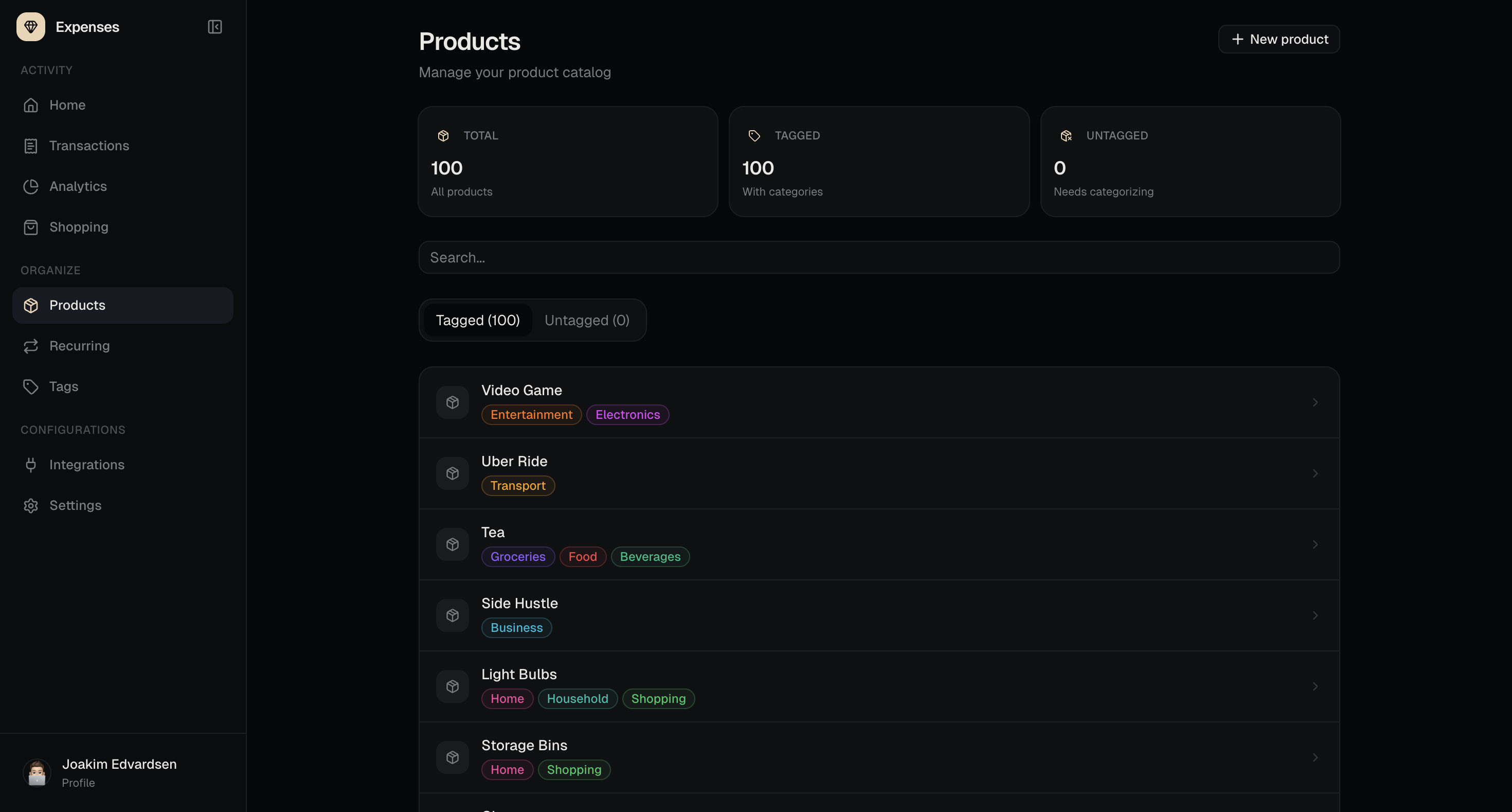
- Product tracking
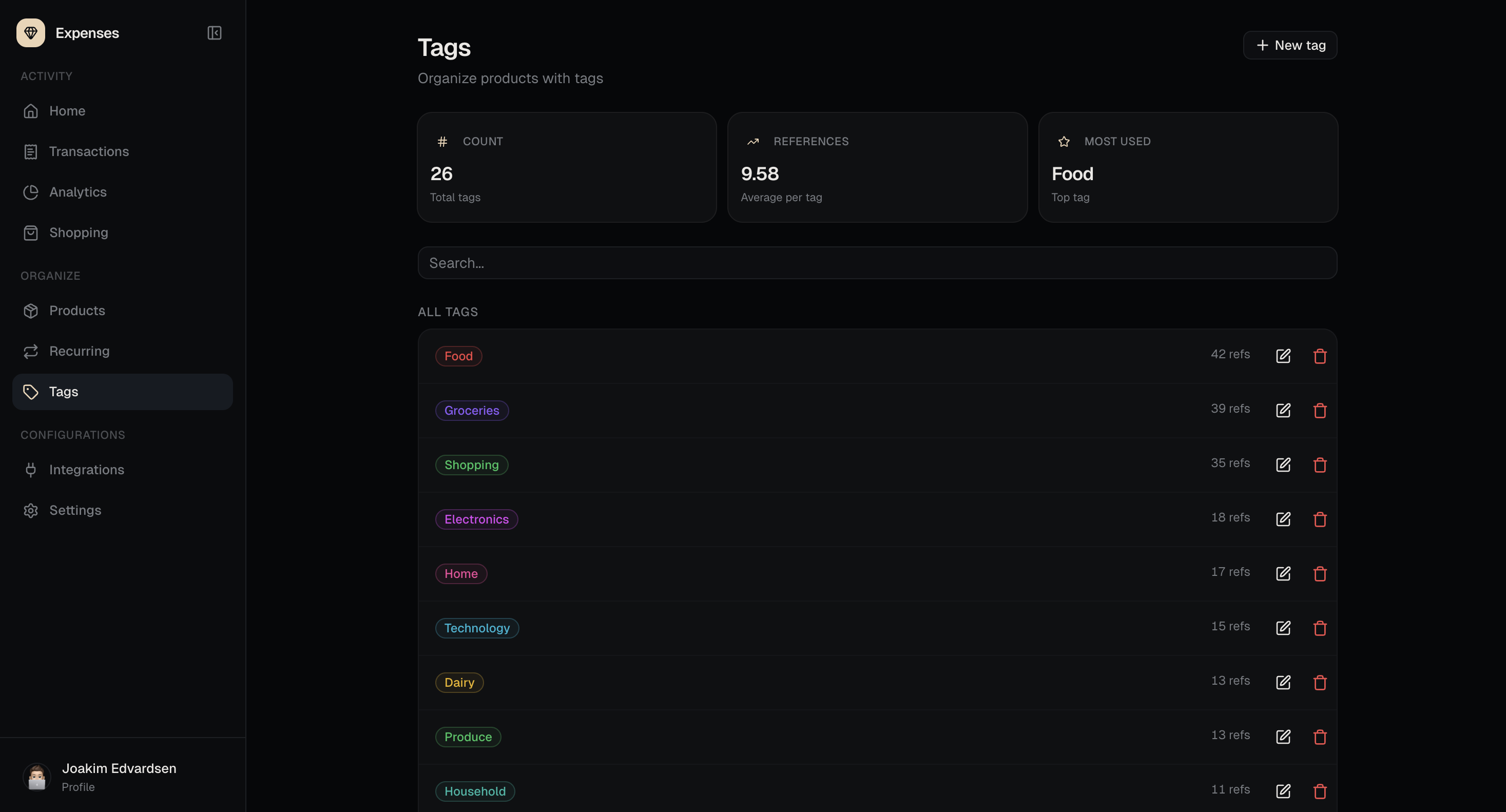
- Product tagging
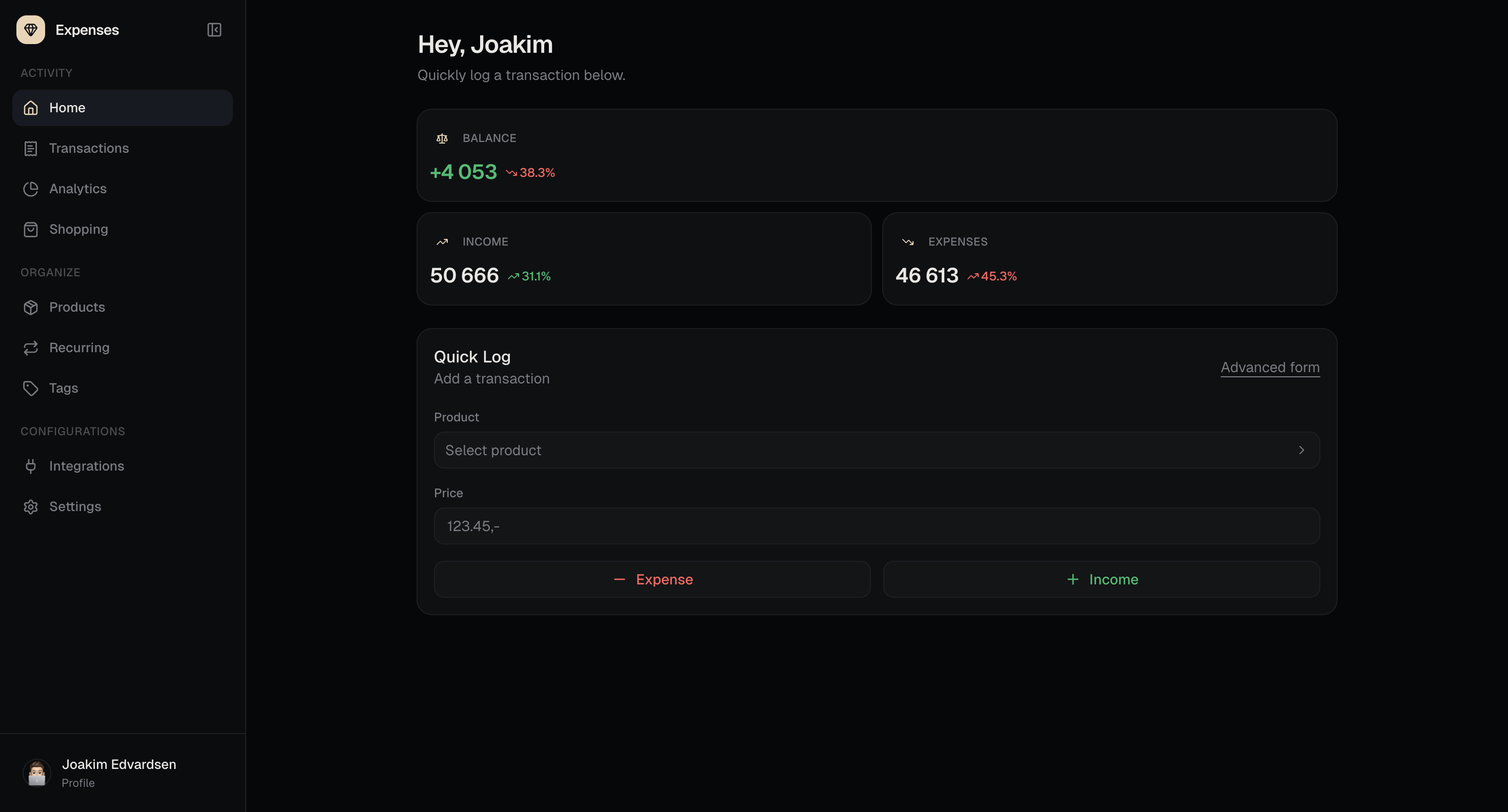
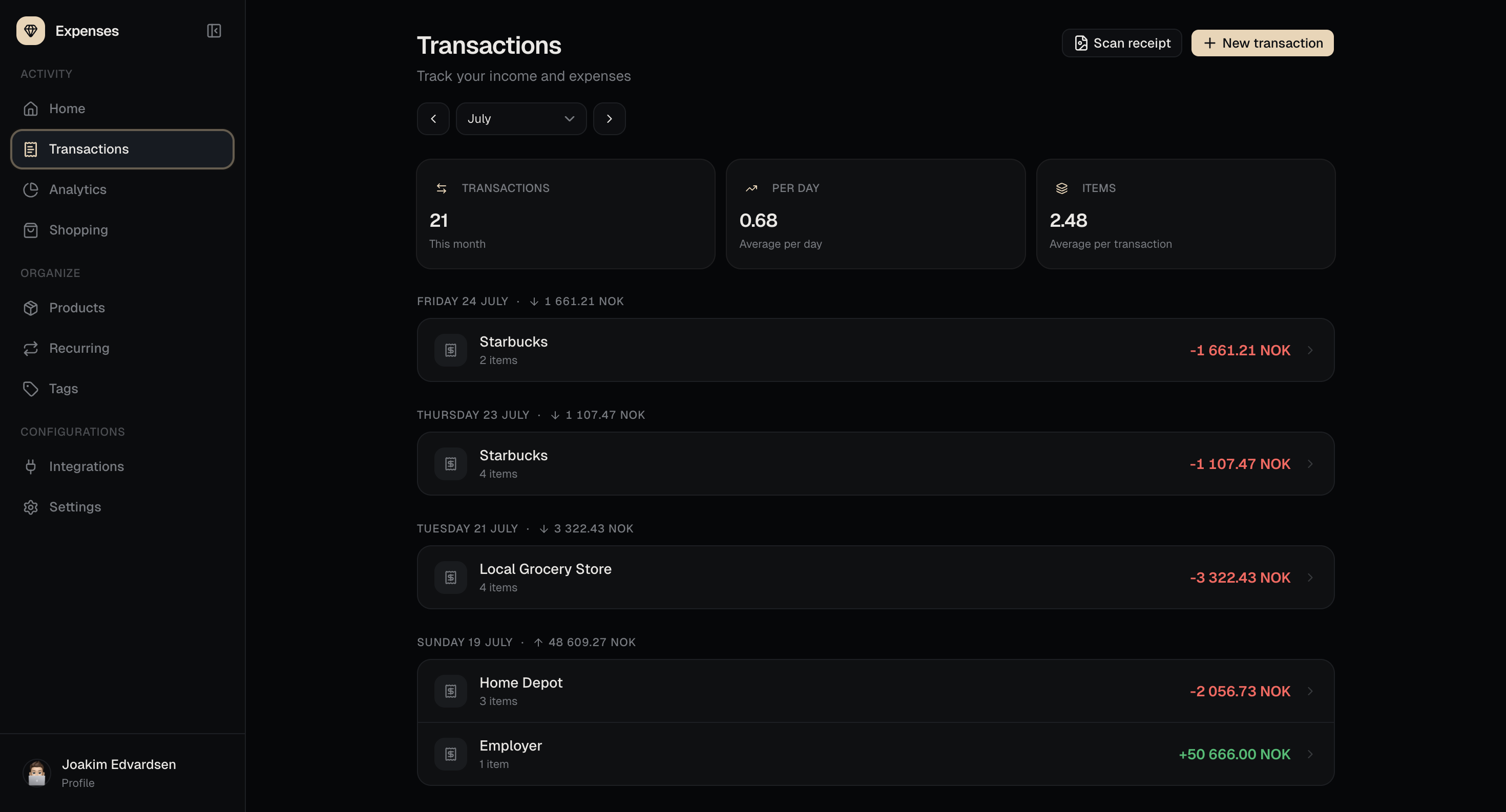
- Transaction logging
- Shopping lists
- Shopping checkout to transaction
- Receipt scanning
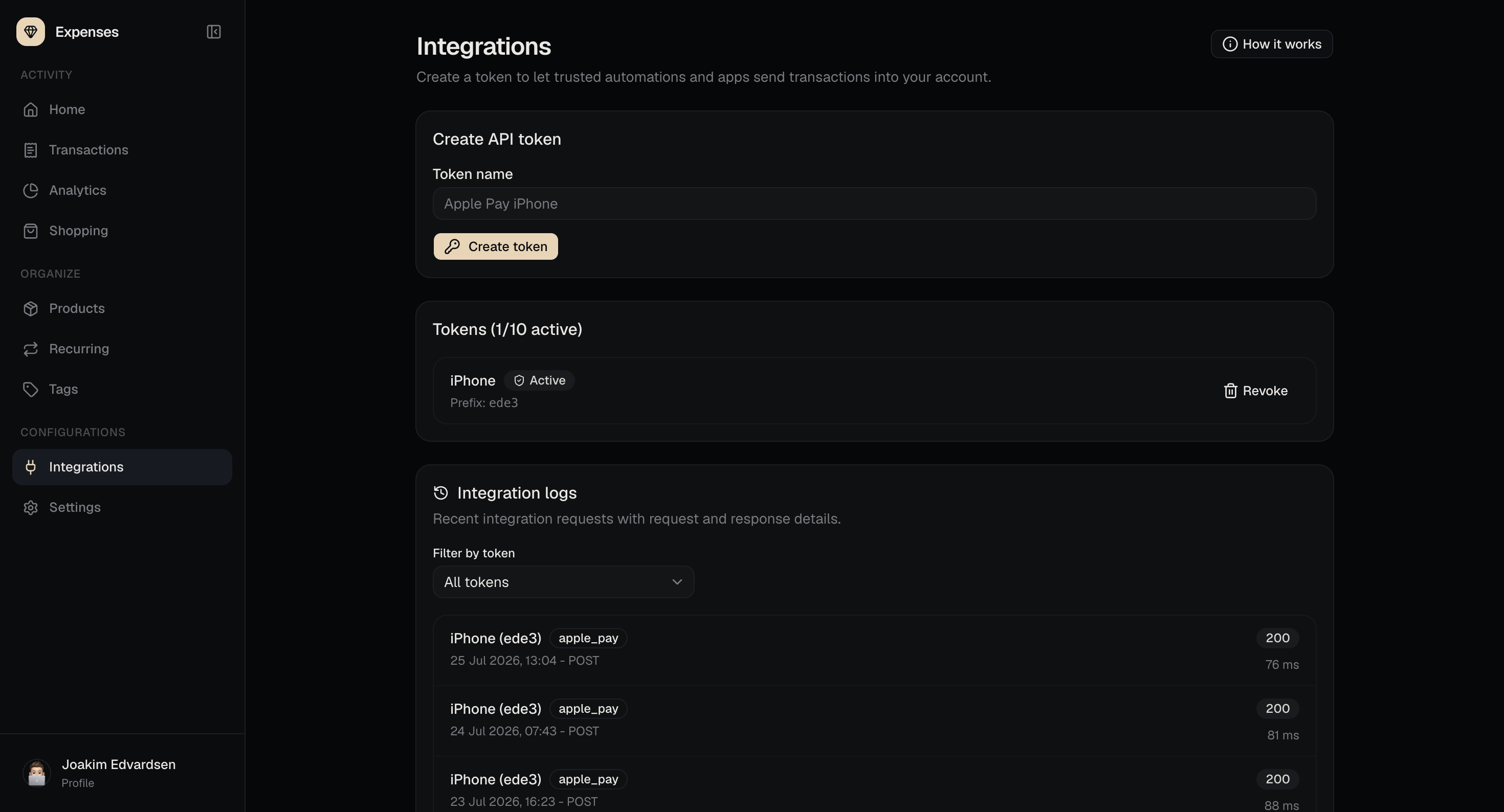
- Apple Pay transaction integration
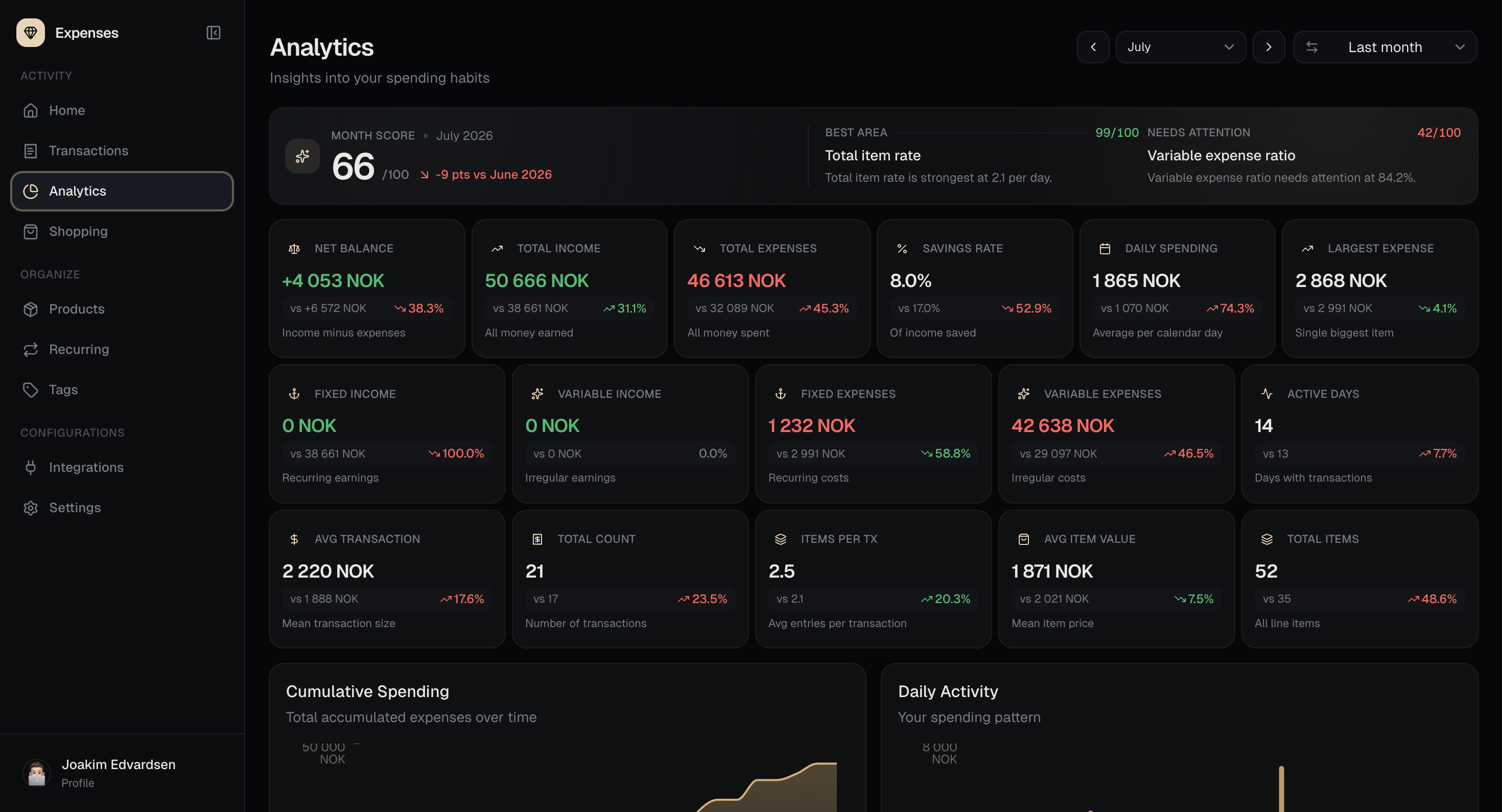
- Monthly scoring
- Detailed KPI analytics
- Spending charts
- Activity charts
- Expenses by tags
- Expenses by products
- Analytics drill-down views
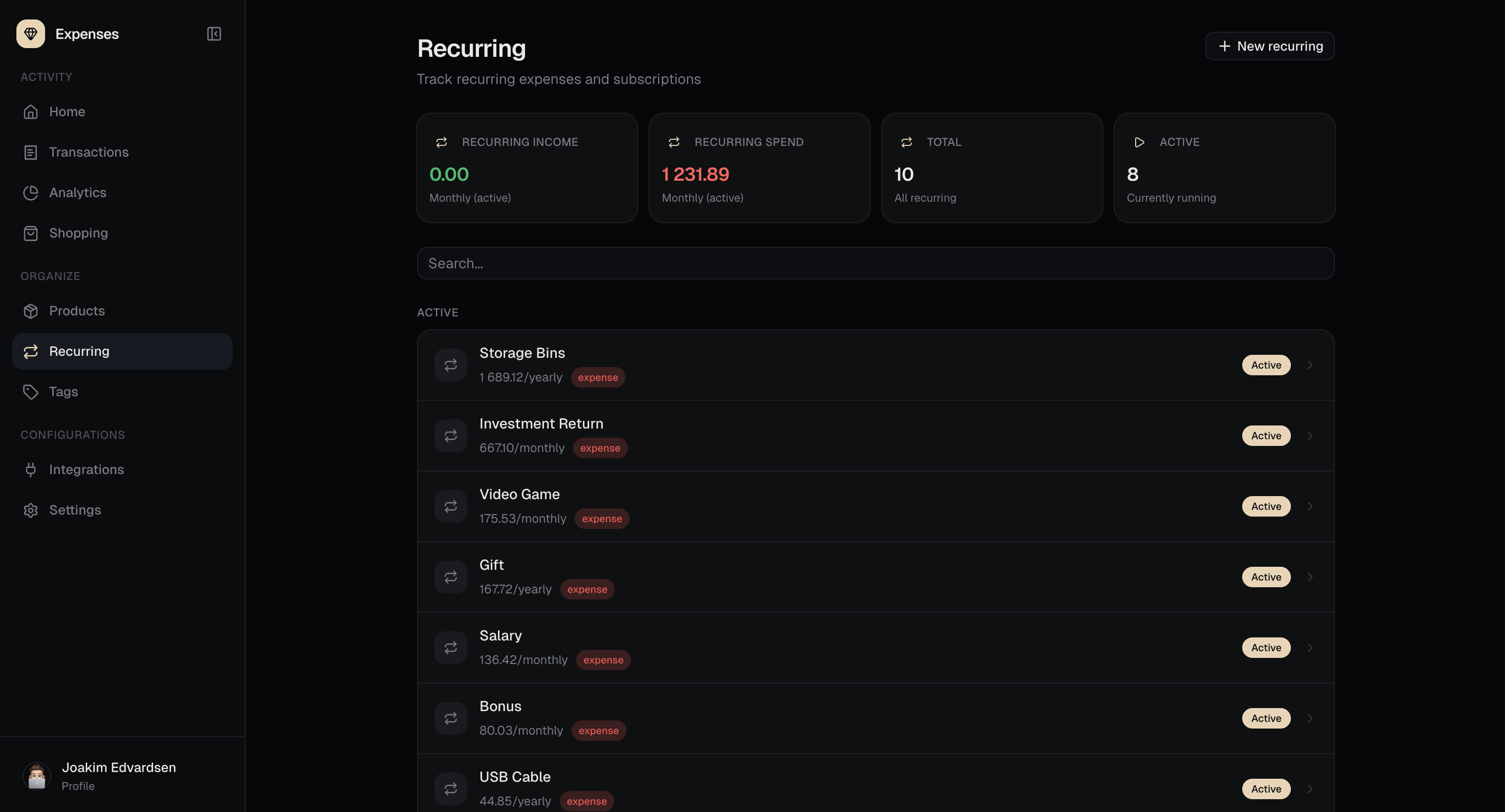
- Recurring transaction job
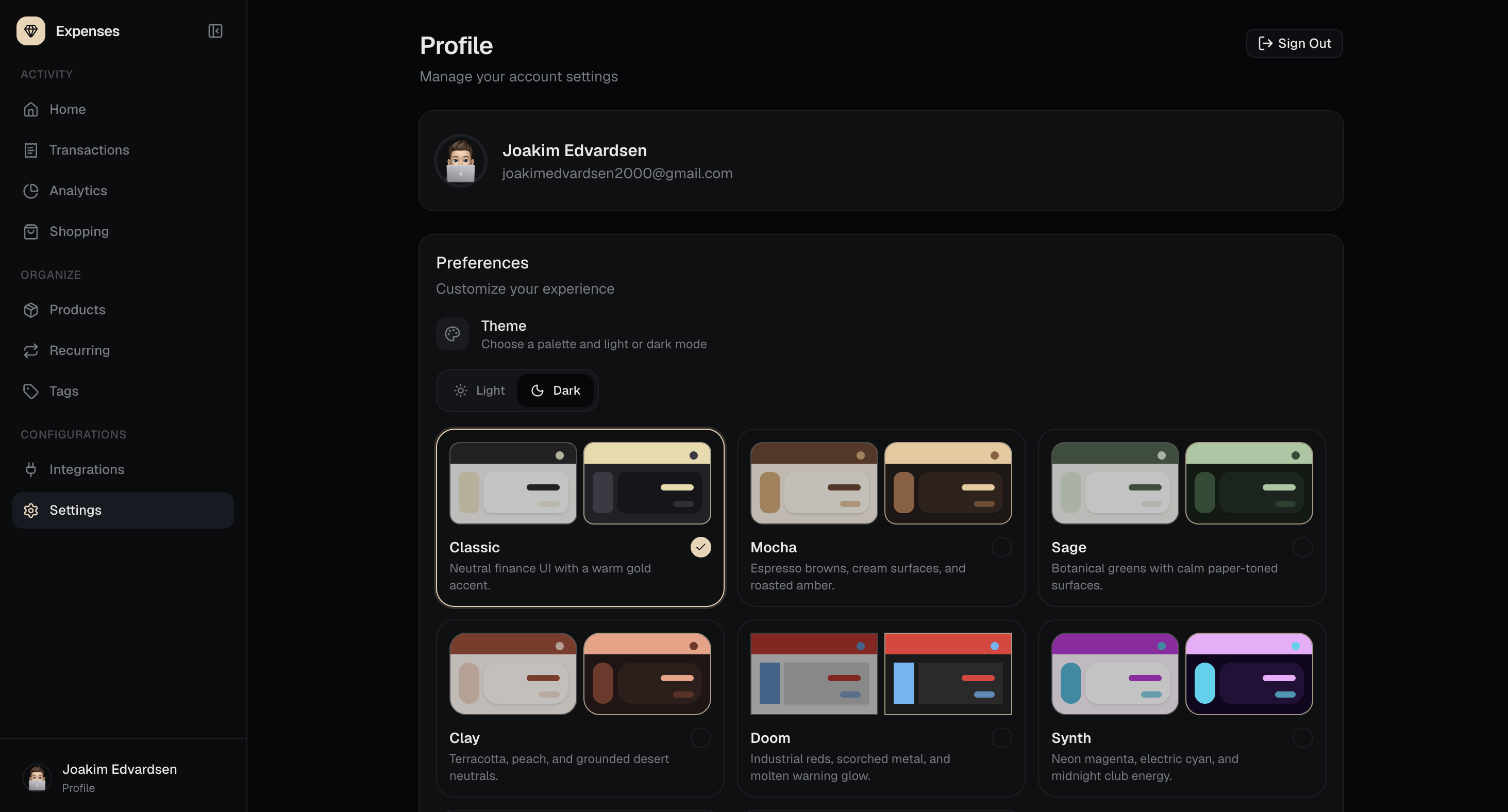
- Profile settings
- Light and dark mode
- Multiple theme palettes
Contributers
Overview
A personal expense tracker built for mobile-first day-to-day use. Version 2 moves beyond simple category-based logging and focuses more on what was actually bought, how it was recorded, and what the data says over time.
Transactions can be created manually, from a shopping list, from a scanned receipt, or through an Apple Pay integration endpoint. Each transaction is made up of product entries, which makes the history more useful than a single total and category.
Tracking and Input
Products are a core part of the app and can be organized with tags, making it easier to compare spending across both specific items and broader groups.
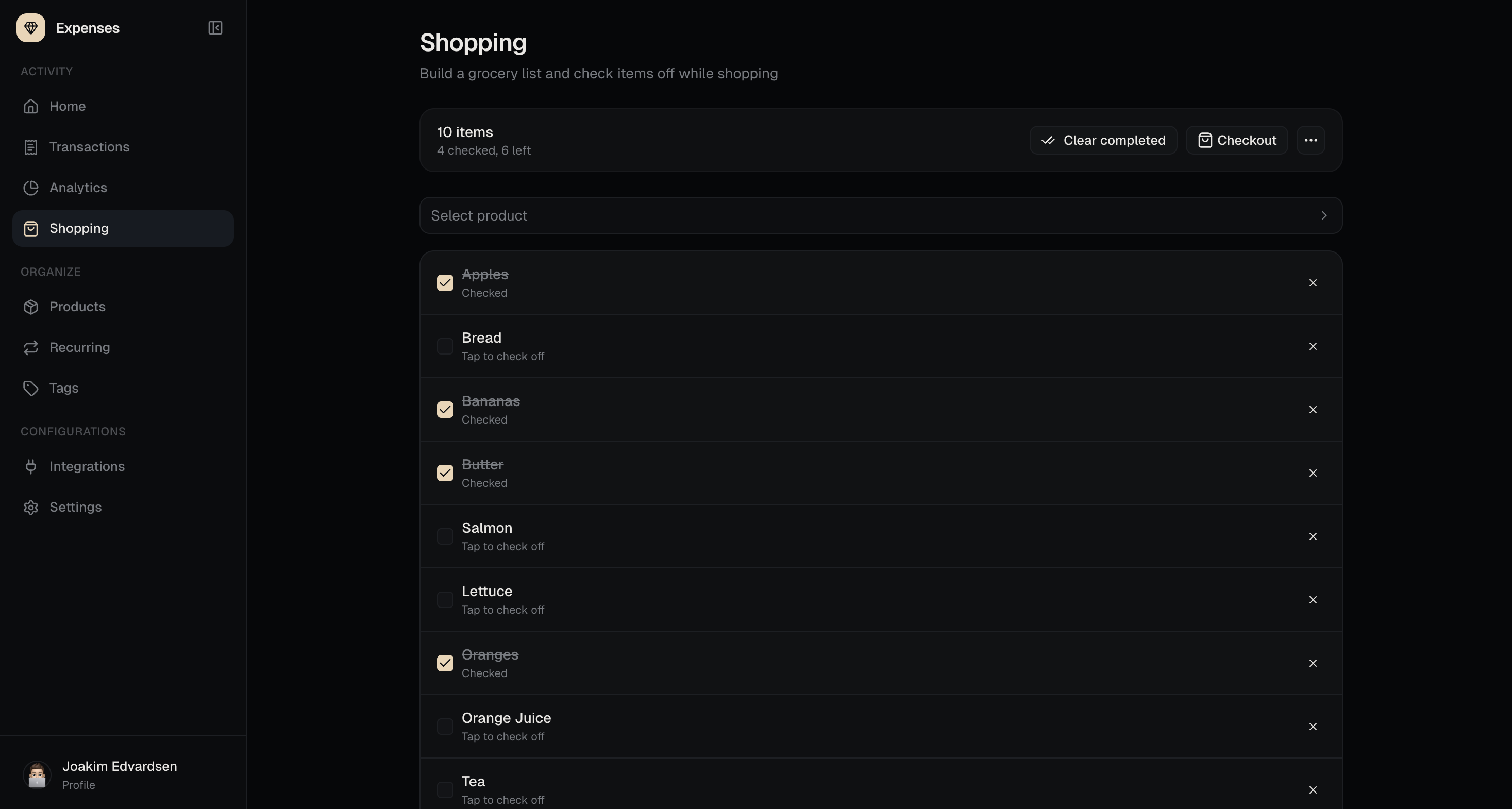
The shopping flow lets you build a list, check off items while shopping, and turn the completed list into a transaction. Receipt scanning can also extract items from an image or PDF and use them to create or update transactions.
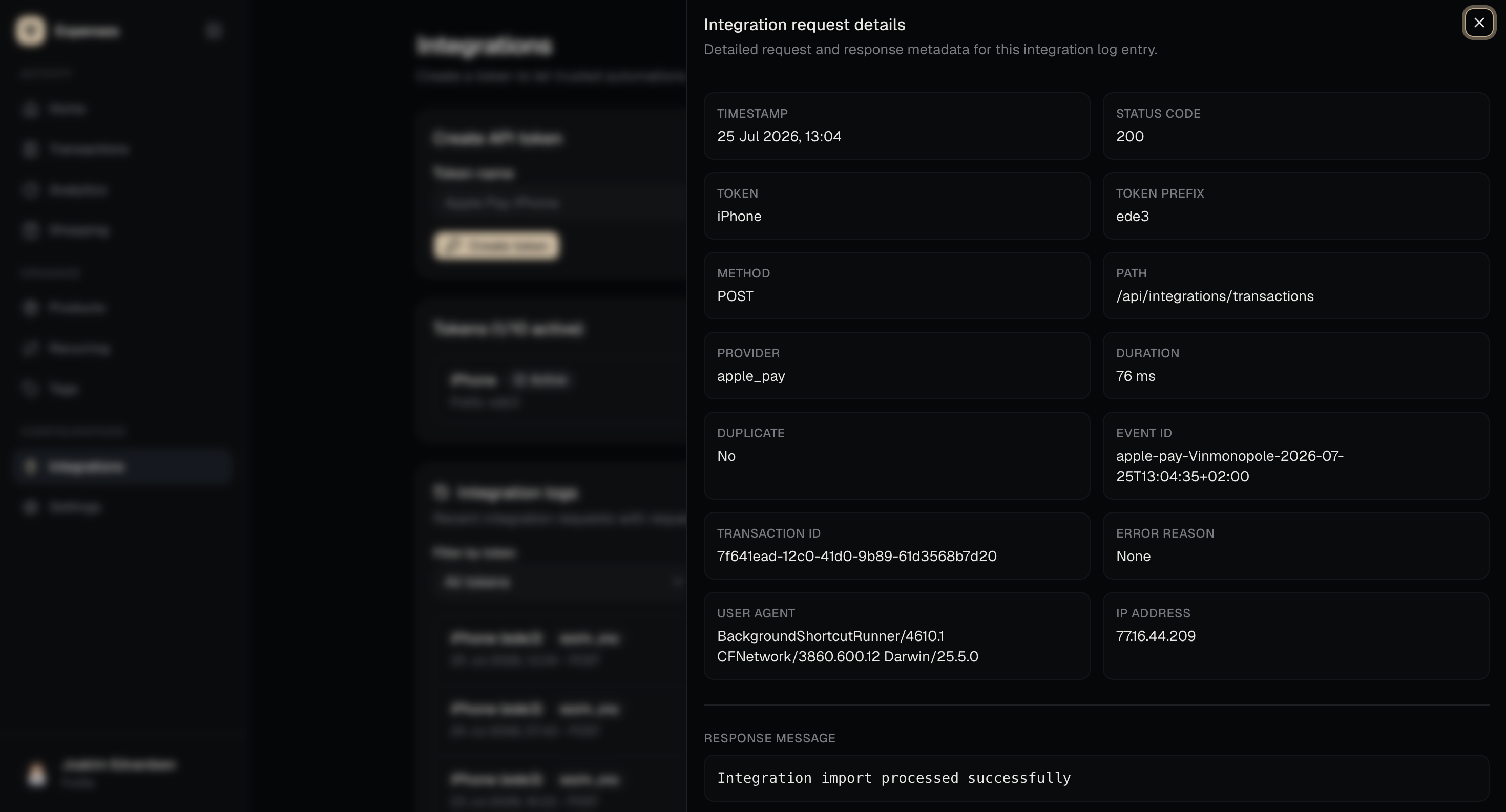
The Apple Pay integration supports automatic transaction imports through integration tokens and an API endpoint, so payments made from Apple Wallet can be recorded without manually entering them afterwards.
Analytics
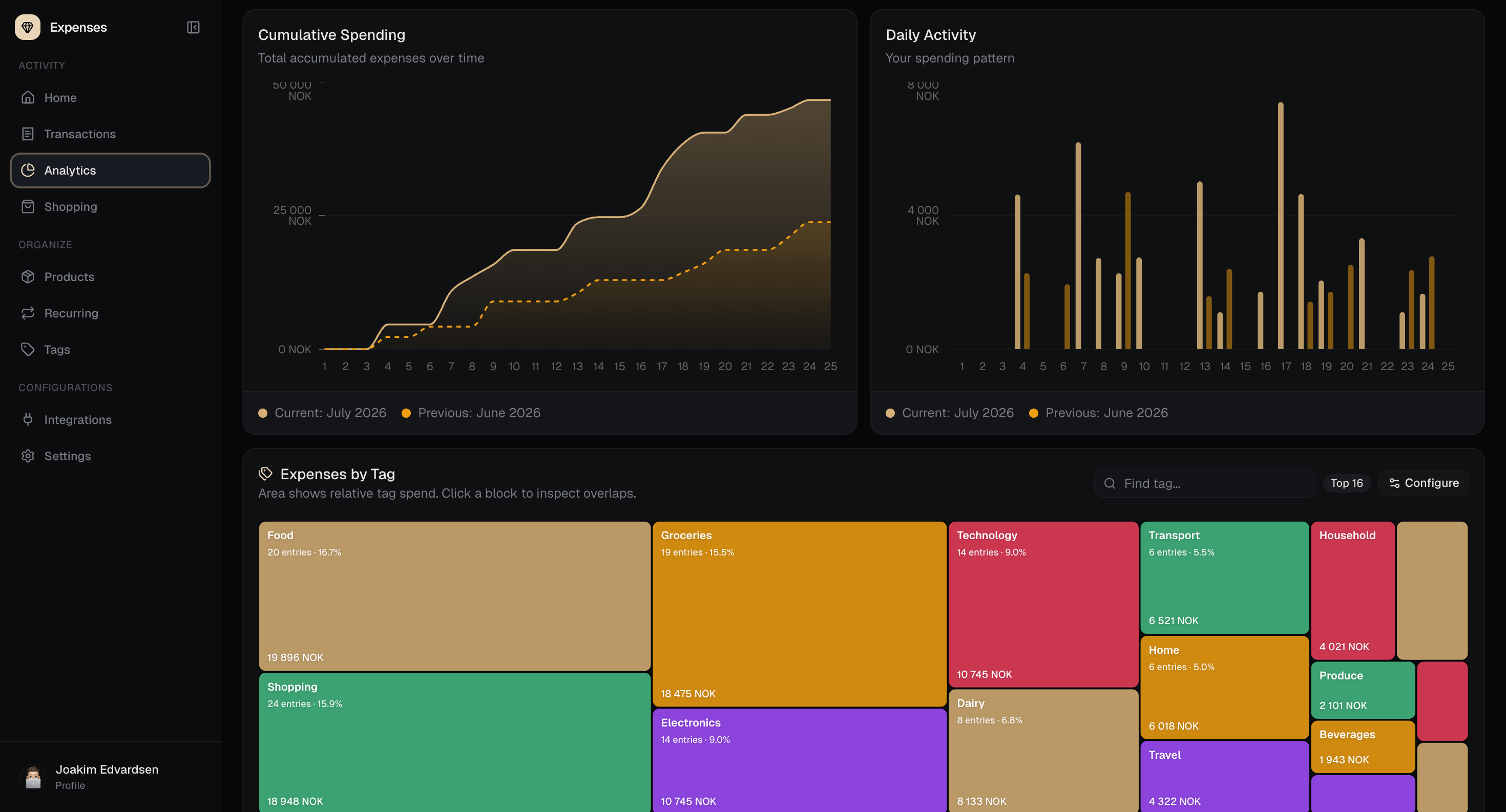
The analytics dashboard gives a monthly view of spending, income, activity, and financial health. It includes a month score, detailed KPIs, daily activity charts, cumulative spending, and fixed versus variable breakdowns.
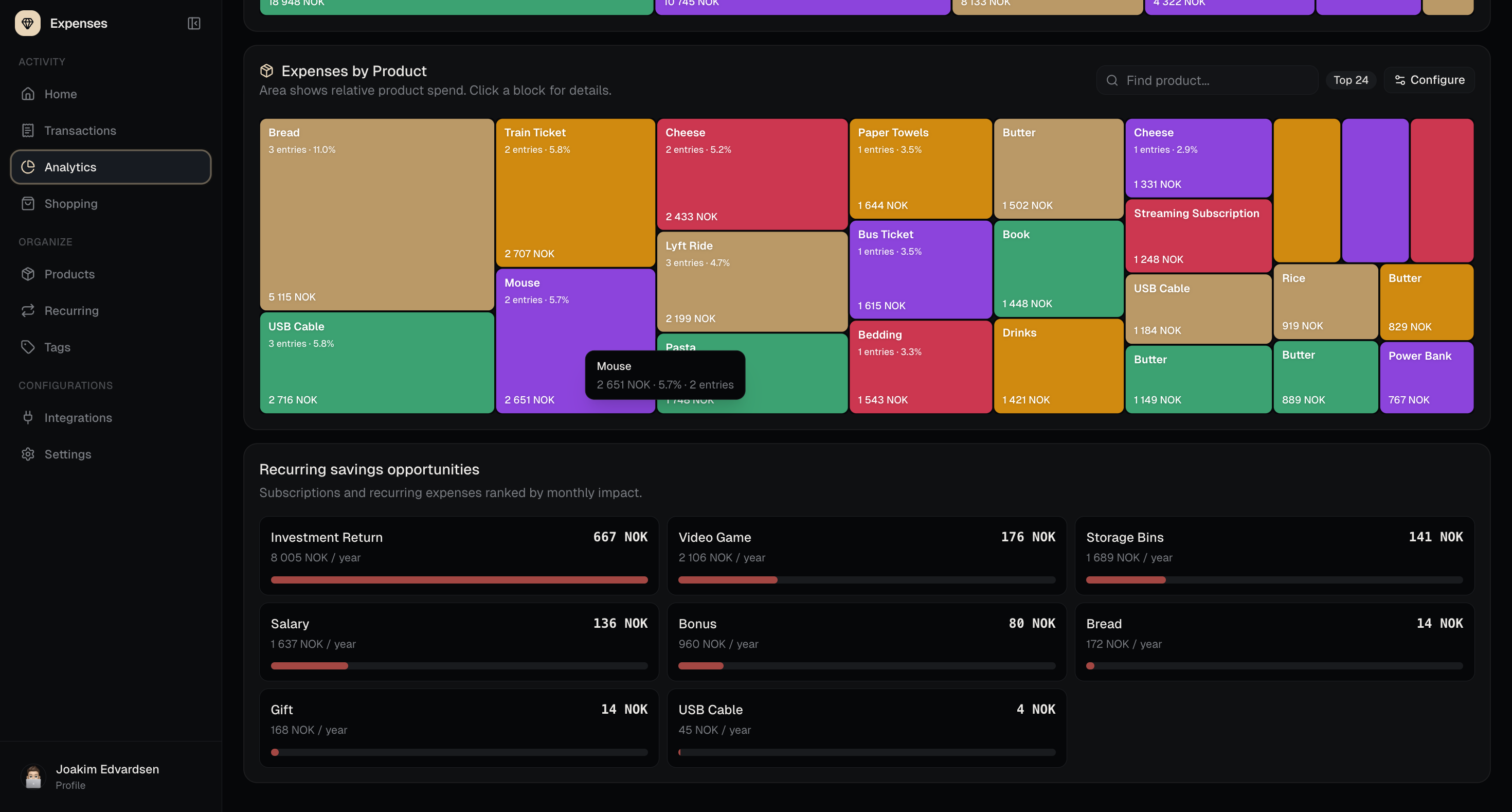
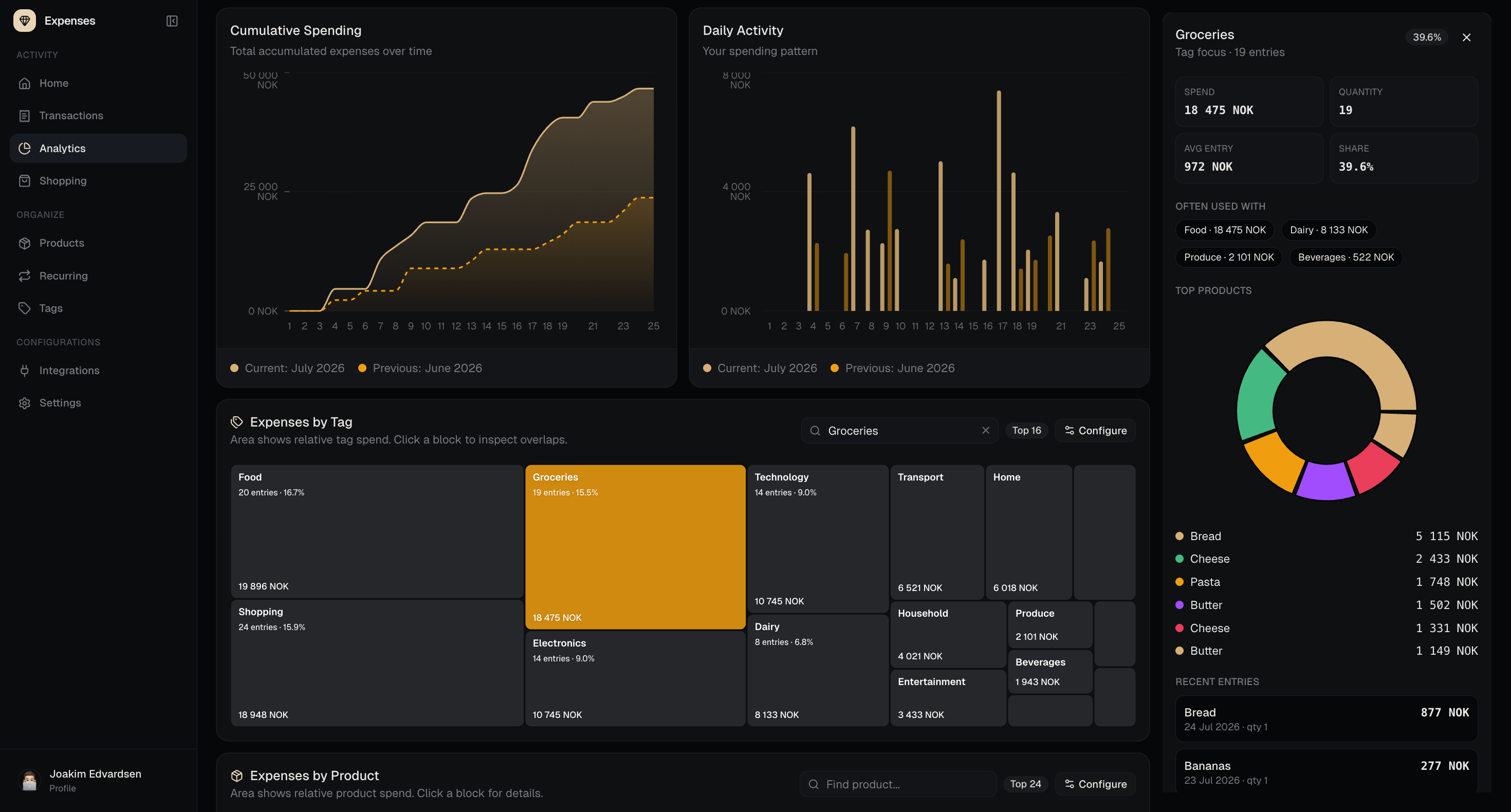
Spending can be explored by both tags and products, with drill-down views for looking closer at specific days, products, or tags instead of only seeing high-level totals.
Built with
The app is a TanStack Start web application using TanStack Router for routing and API routes, TanStack Query for client-side data loading, React 19, and TypeScript.
PostgreSQL and Drizzle ORM handle the database layer, Better Auth handles authentication, and Tailwind CSS is used for the interface. Charts are built with Recharts, while receipt scanning uses the OpenAI Responses API to extract structured receipt data.
The project is organized as a pnpm monorepo with a web app and a small job app for recurring transactions. Tests are written with Vitest.
Resources
- Live website: https://ex.edvardsen.dev
- Repository: https://github.com/jKm00/expense-tracker